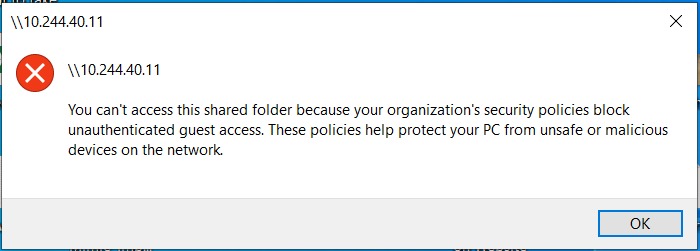
Guide on fix unable to access the machine User Box folder because of the error “Organization’s security policies block unauthenticated guest access”. This is for Windows PC only.
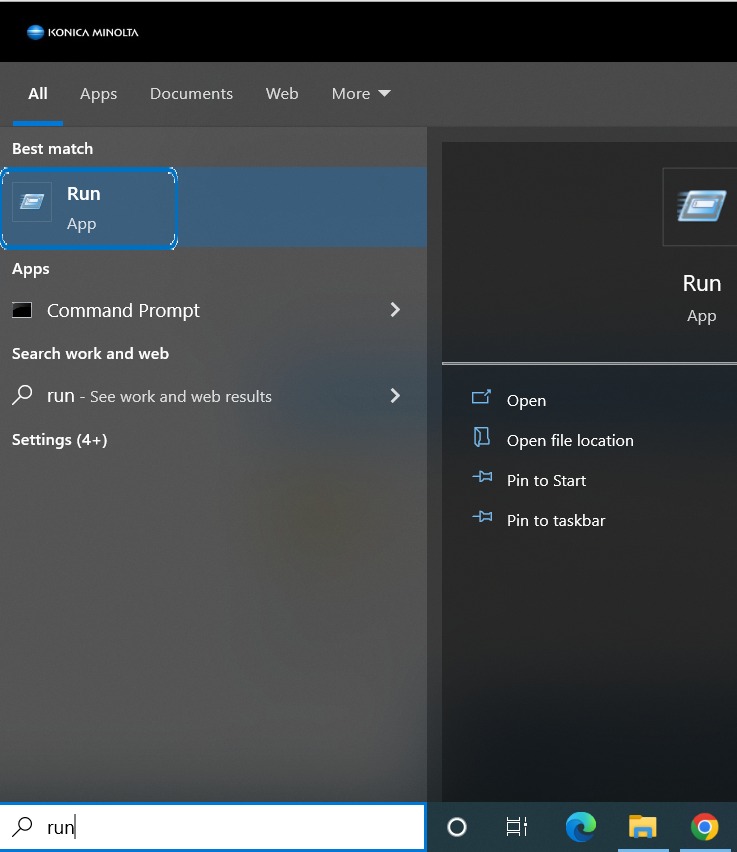
STEP 1 – In order to solve this issue, the “Enabled insecure guest logons” on the group policy must be enabled, first go to search, select Run.
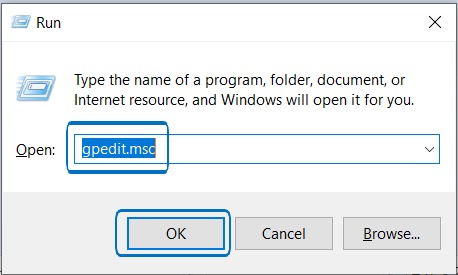
STEP 2 – Type gpedit.msc
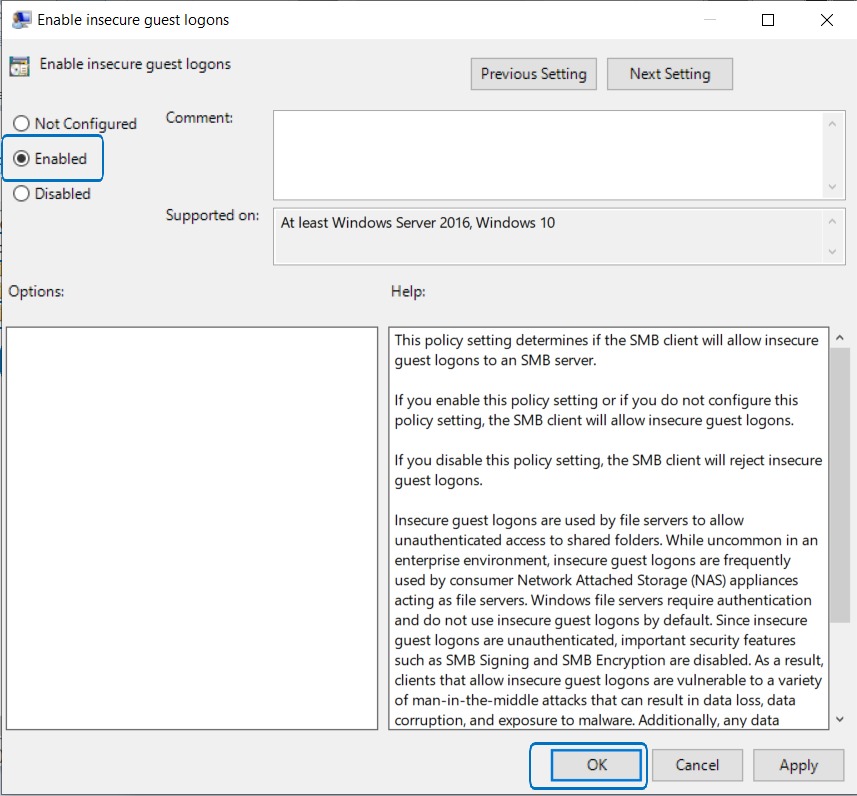
STEP 3 – Under Local Computer Policy, select Computer Configuration > Administrative Templates > Network > Lanman Workstation > Double click on Enable insecure guest logons.
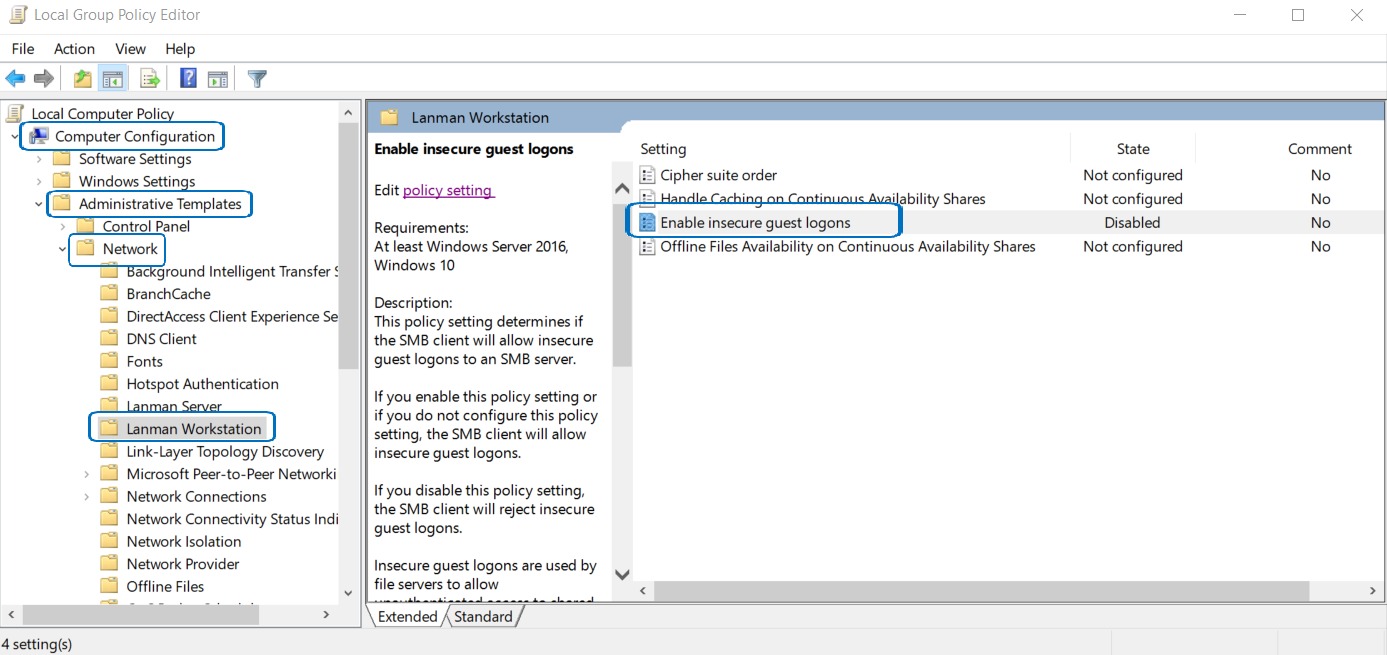
STEP 4 – Change from Disabled to Enabled and select OK to save the setting. It will solved the issue.