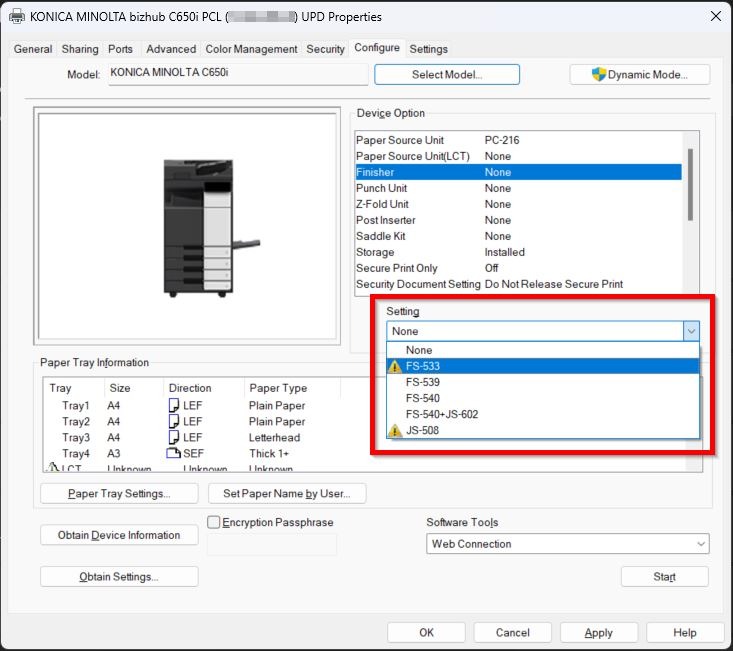
Guide On fix Device Option Settings Greyed Out in the Printer Driver
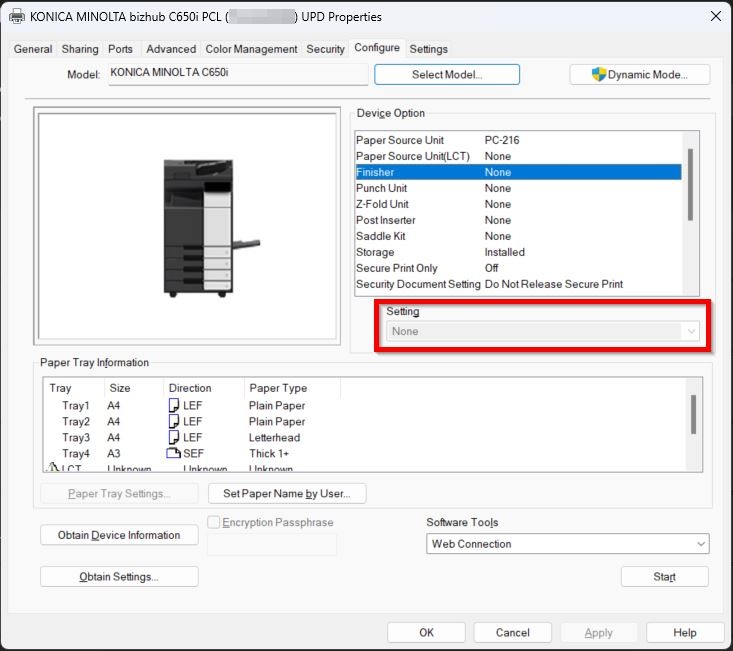
Example attachment showing the device option is grey out.
How To Enable The Device Option Setting
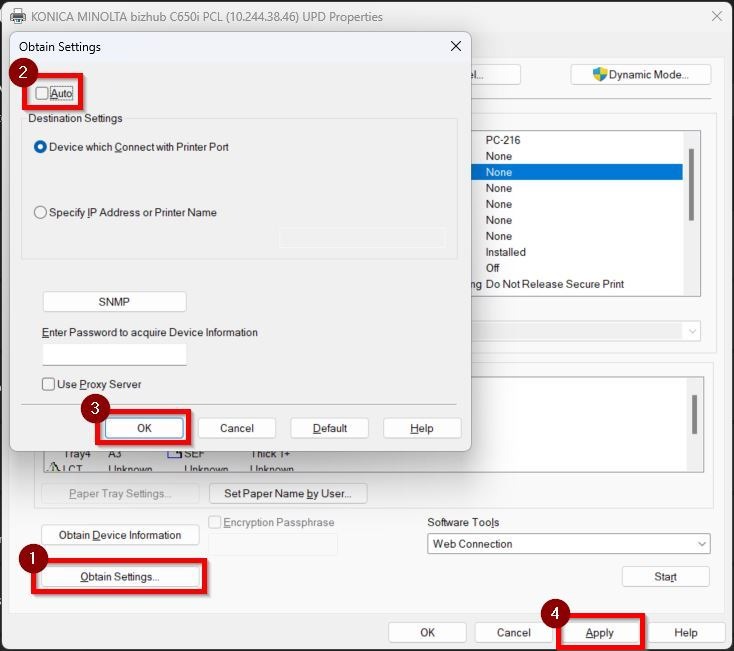
STEP 1 – Click on the [Obtain Settings], untick the [Auto]. After that click [OK] and [Apply] to save the settings.
Once completed these following steps, you will be able to select the settings.