
Guide on fix Root Folder Does Not Exist in FTP Utility
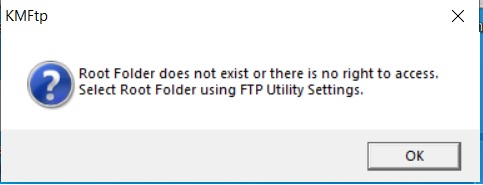
STEP 1 – After restart the PC or accidently deleted folder for scanning using FTP Utility, it will have error shown below. This is because FTP Utility doesn’t find the Scan Folder, thus it will cause this error appear.
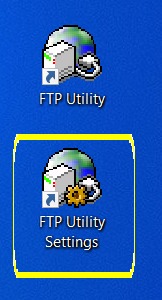
STEP 2 – Open the FTP Utility Setting to check the original Root Folder location.
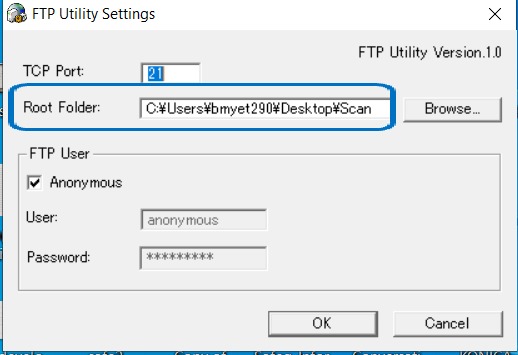
STEP 3 – Find the exact location of Root Folder and create a previous name of Scan folder on same location.
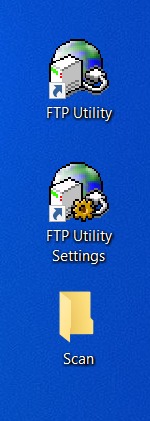
STEP 4 – Re-run again the FTP Utility, the error message should be disappear now.