
Guide On Fix Lines or Dirt Appearing When Scanning or Copying on Printer
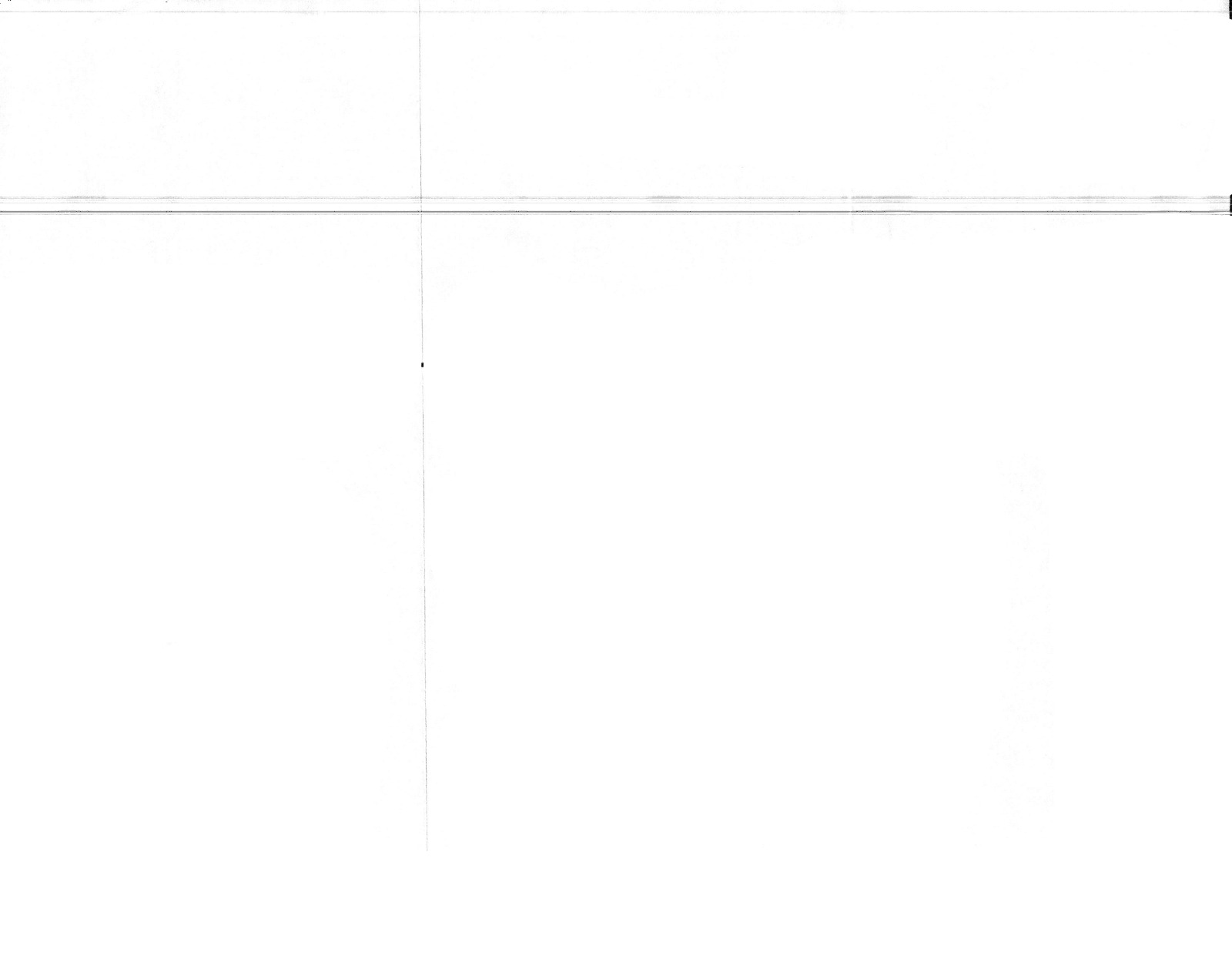
Example attachment showing the output when scans and copies using the photocopier machine.
How To Clean The Glass Area Of A Photocopier Machine
STEP 1 – Lift or open the cover, you will see the glass surface where documents are scanned or copied.
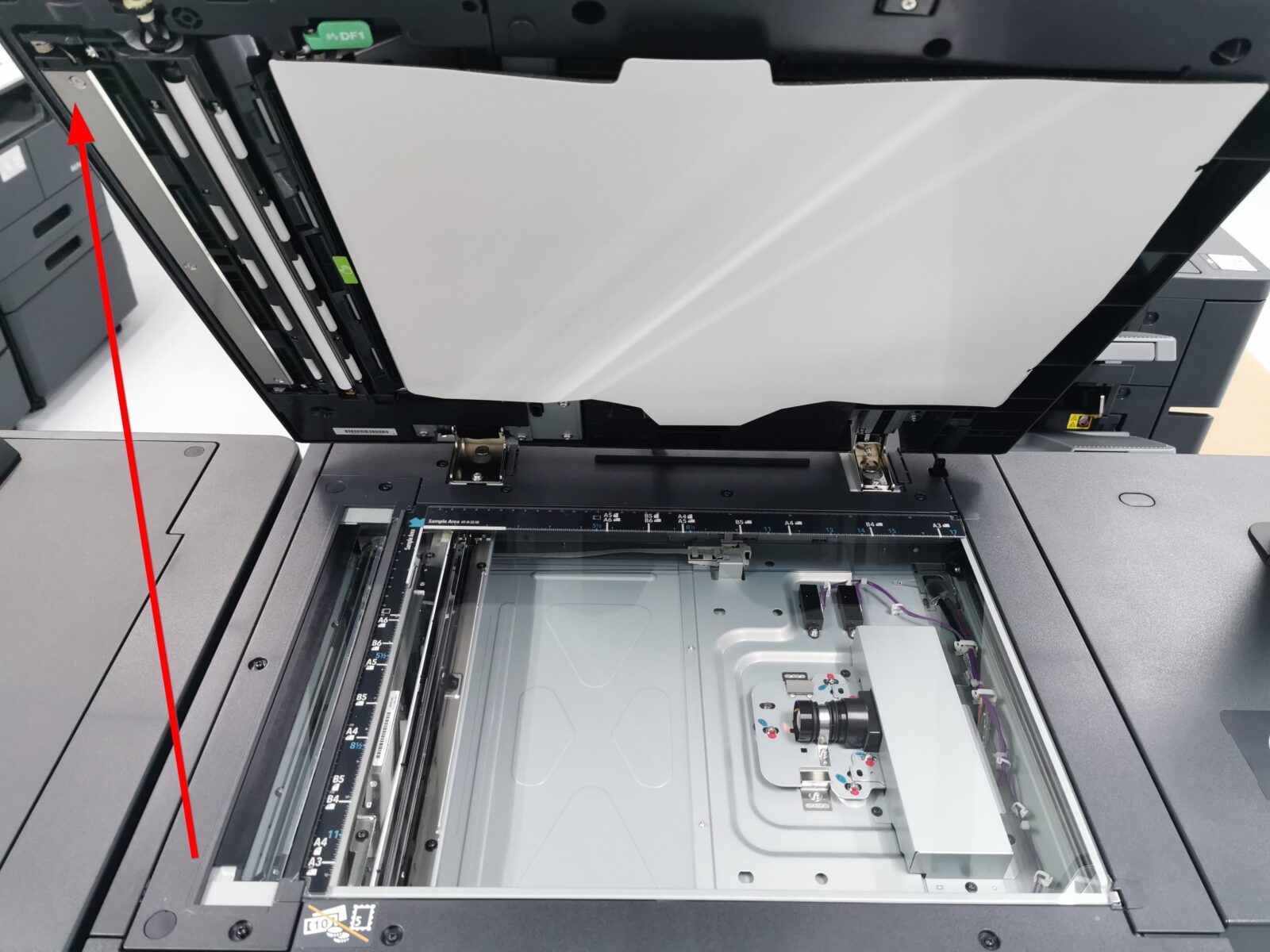
STEP 2 – Use a microfiber cloth to gently wipe the highlighted area.
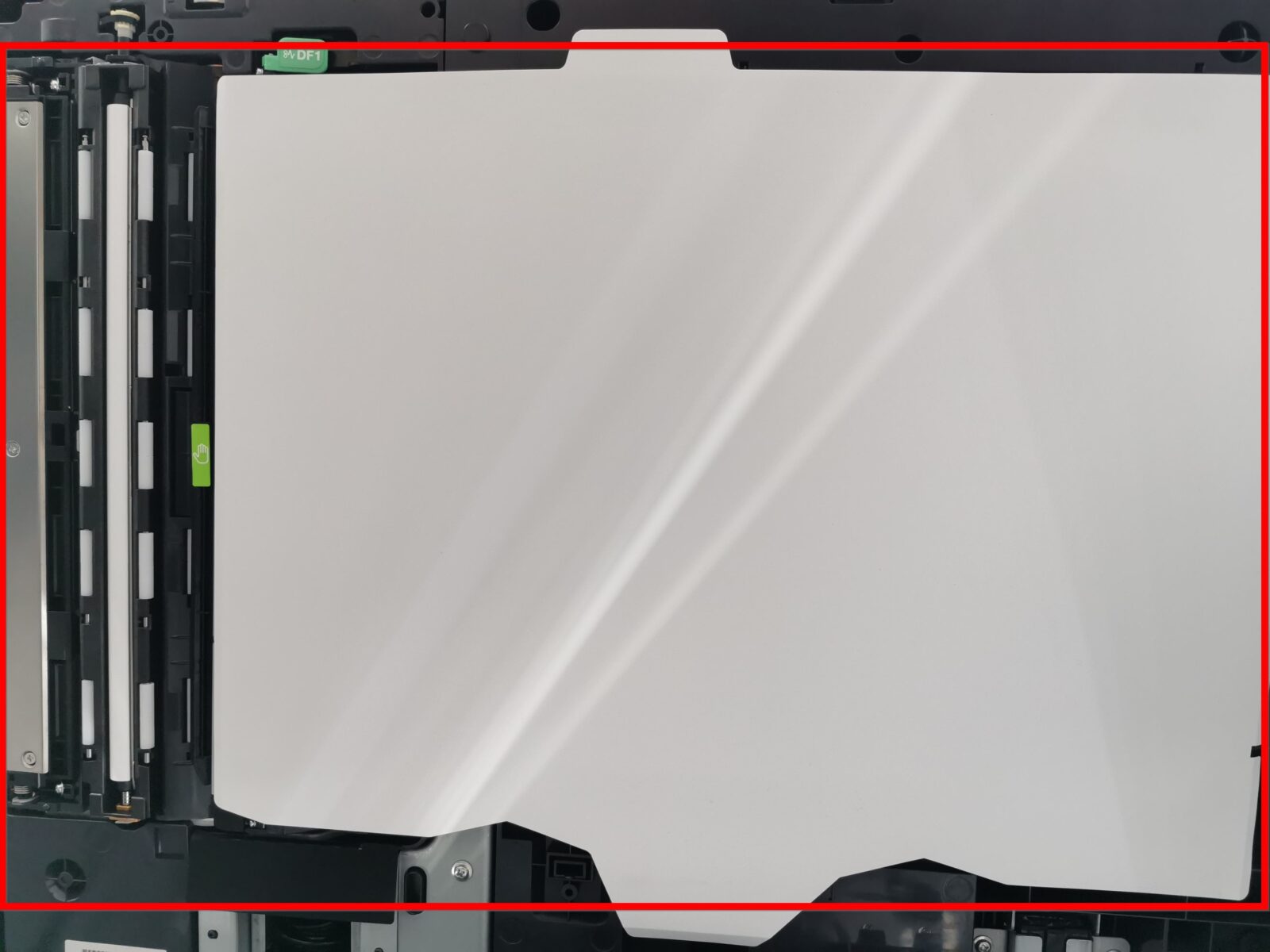
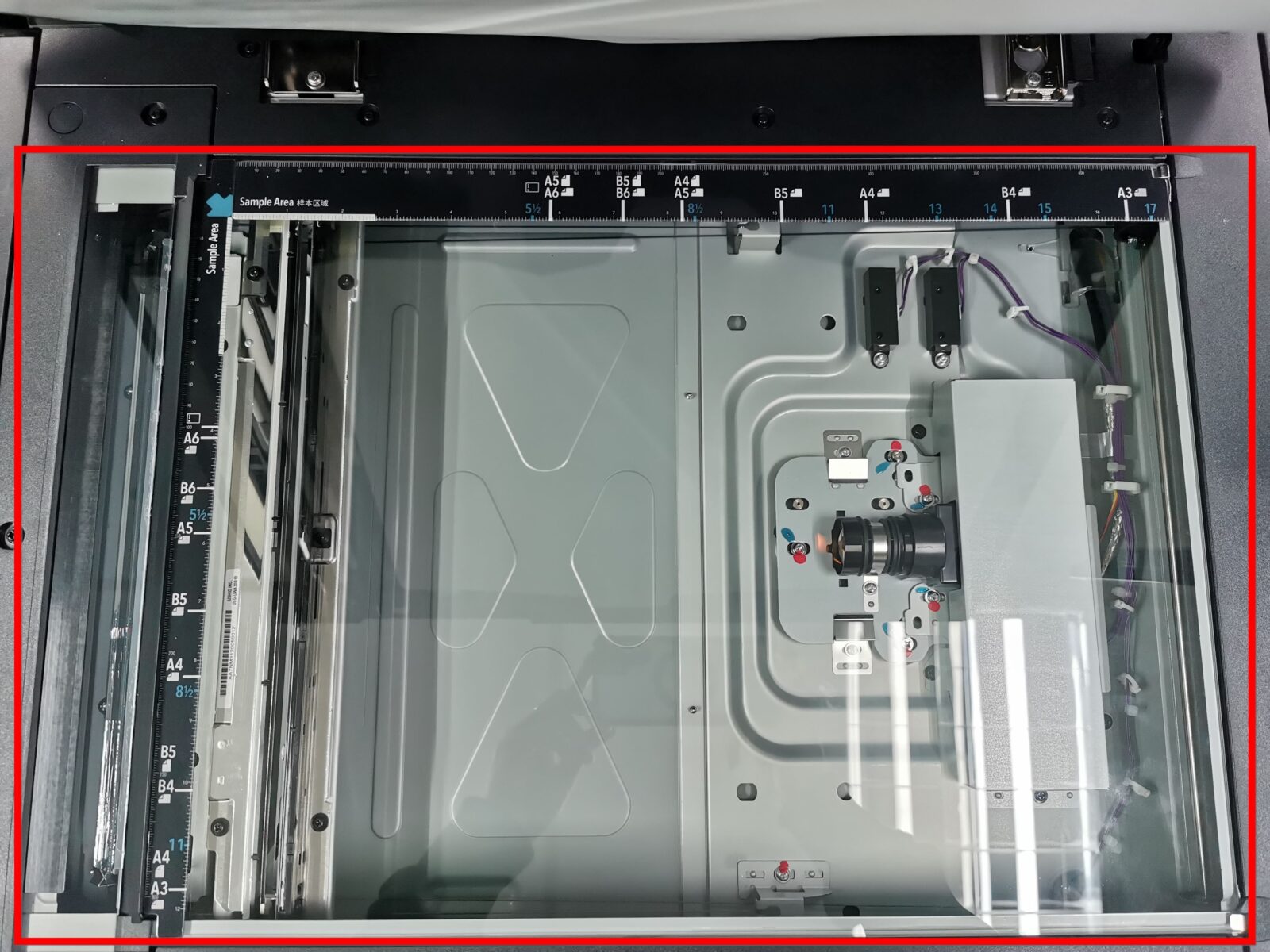
After completed these following steps, it will help maintain the clarity and quality of your photocopier’s scans and copies.